
Exhibition meetings
Sit down. Put the sample at the center.
Place the terminal between both participants. Read the translation while reviewing specifications, quotations and sample lead times.
Face-to-face bilingual conversationsX1 SERIES / AI TRANSLATION TERMINAL
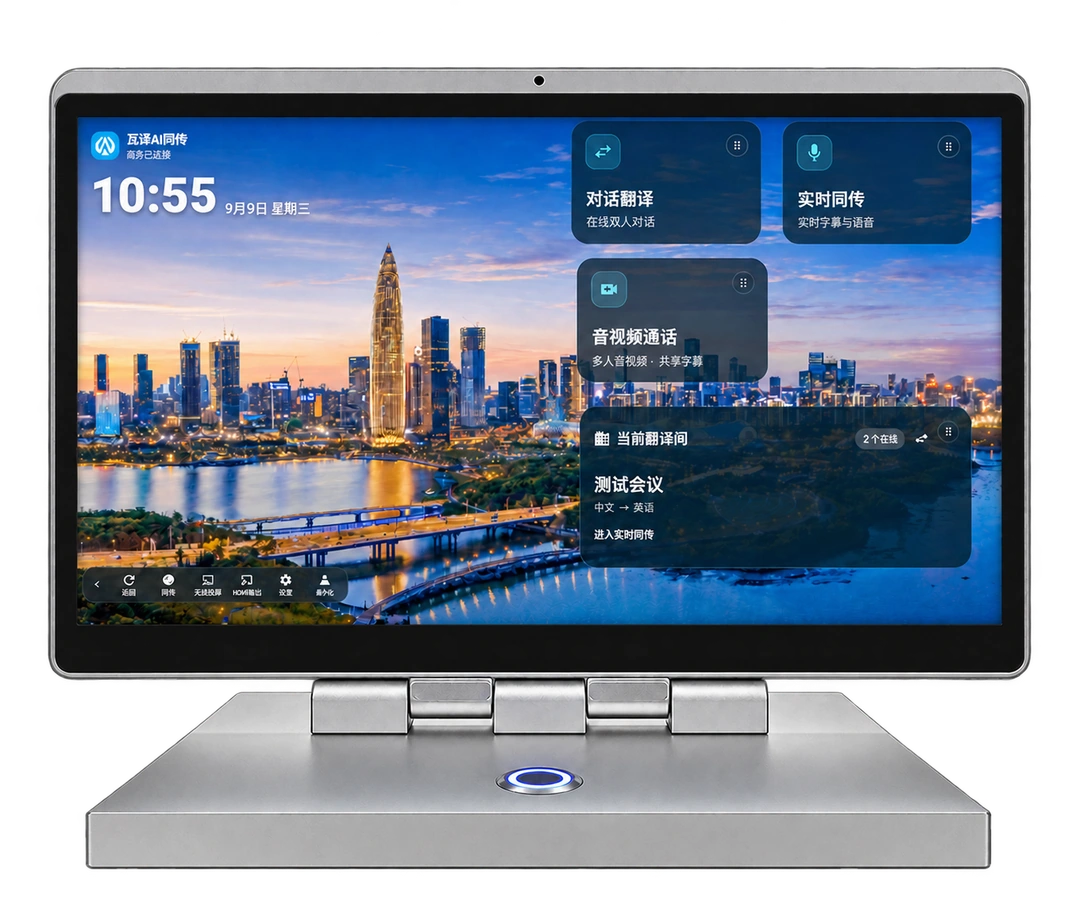
Put translation between the people talking. One integrated body, a display on each side: readable translation for product discussions, visitor reception and business meetings.
X1 / X1pro WALI AI INTERPRETATION
01 / BUSINESS CONVERSATIONS
Match the device, audio input and display setup to your conversation.
Place the terminal between both participants. Read the translation while reviewing specifications, quotations and sample lead times.
Face-to-face bilingual conversationsPrepare company names, product models and specialist terms, then choose the languages and audio setup for the setting.
Business terminology and brandingCompatible devices can connect to a TV through HDMI. Confirm the display mode, interfaces and meeting audio before delivery.
HDMI compatibility assessment02 / TWO SIDES, ONE CONVERSATION
Two screens sit on opposite sides of the same body. Staff set languages and control the session on the main display; the visitor reads captions on the other side.
Place the terminal between the participants, with each display facing its user.
Select a conversation mode that suits the languages and audio conditions.
Review quantities, model numbers and delivery dates against both texts.
03 / MEETING ROOM
Compatible terminals can send the translation view to a TV over HDMI. Choose how participants will watch, then confirm the hardware and cable setup.
The verified YS-A68 / RK3568 configuration switches between these two modes and requires a restart. Its built-in second display is disabled in HDMI mode. Other models need separate verification.
04 / FIND YOUR FIT
A shared exterior design, with different screen sizes and project configurations.
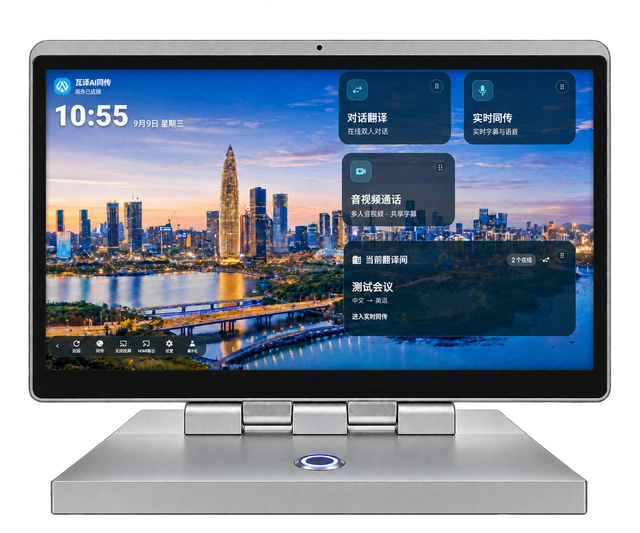
Confirm hardware, software resources, accessories and service scope separately. Language pairs, offline features and TV output depend on configuration and trial results.
Discuss your logo, background, text size and caption layout.
Prepare names, product models and frequently used terms.
Check desk placement, audio, network and TV connections.
Agree on quantities, accounts, training and after-sales support.
FAQ / BEFORE YOU START
No. The terminal has one integrated body with a display on each side. Each participant faces their own display.
Compatible models support HDMI. The verified YS-A68 / RK3568 setup switches between main plus built-in second display and main plus HDMI TV. A restart is required, and the built-in second display is disabled in HDMI mode. Other models need verification.
Tell us your language pairs and working environment. Online recognition, automatic language detection, speech playback and offline models have different coverage, depending on the device, software and service configuration.
Bring a representative conversation, product materials and terminology. Trial the system in similar audio and network conditions, then check readability, specialist terms and operation before agreeing on a purchase.
LET’S TALK
Share your use case, language pairs, quantity and schedule. We will help assess the model, software resources, installation and delivery scope.